Break rules, applied to the shift for you.
Set the rules once and Shift Amp assigns meal and rest breaks to shifts, reminds your team when to take them, and keeps the record. Built to help you stay on the right side of your local break laws.
Try it free for 14 days. No credit card required.
- Meal and rest breaks assigned automatically
- Reminders to start and end a break
- Part of Pro, free for 14 days
What you can do
Take a break, and log it properly.
Break compliance fails in small ways: a shift that never had a break on it, a break nobody took, a record nobody kept. Each of those has a setting.
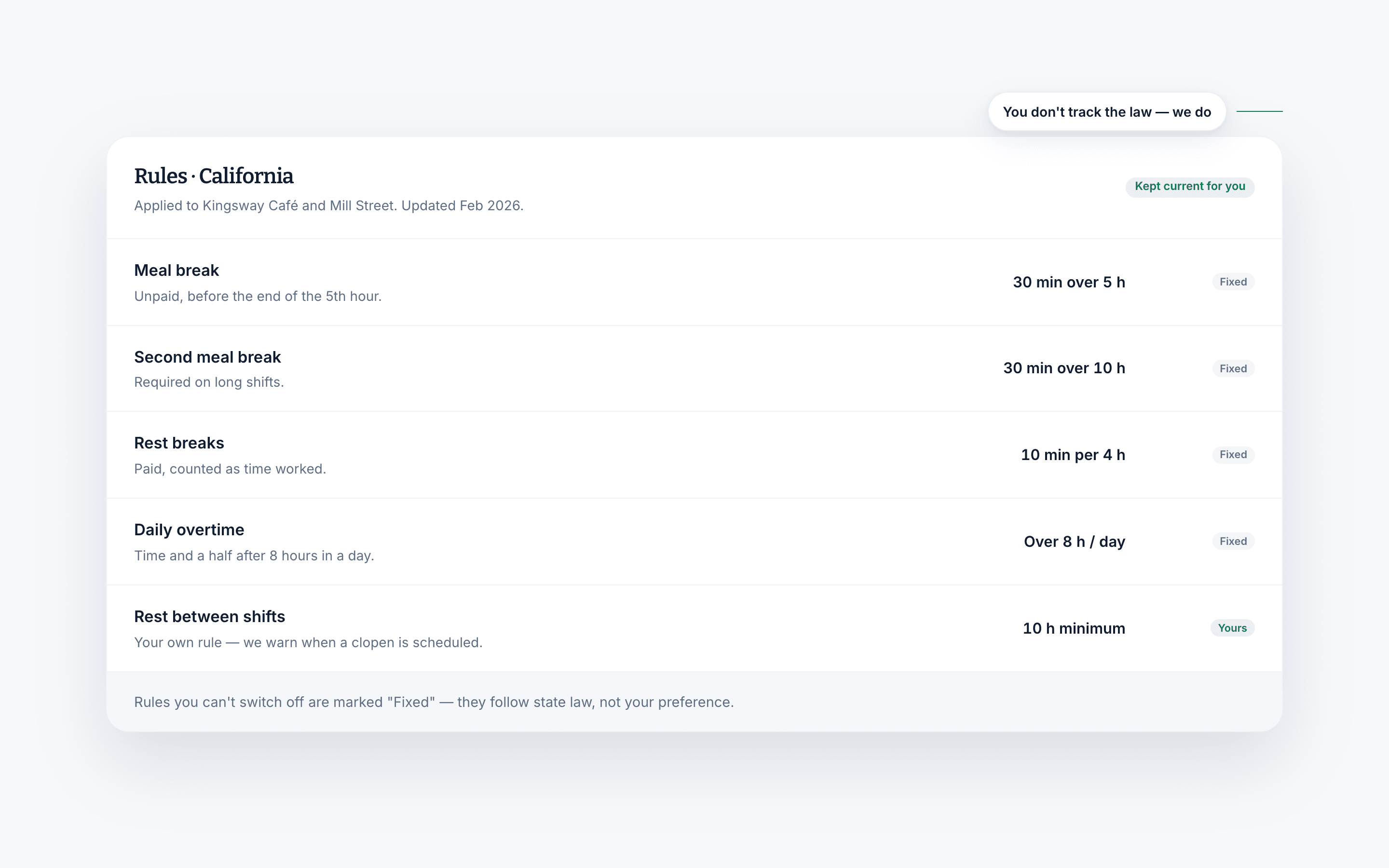
The right amount of break time, on every shift
Decide what a shift of a given length should carry, and build it into the shift rather than leaving it to the day.
- Schedule custom-length breaks per shift
- Assign meal breaks, rest breaks or both, by type of shift
- Help keep your business compliant and your team rested
Why it helps
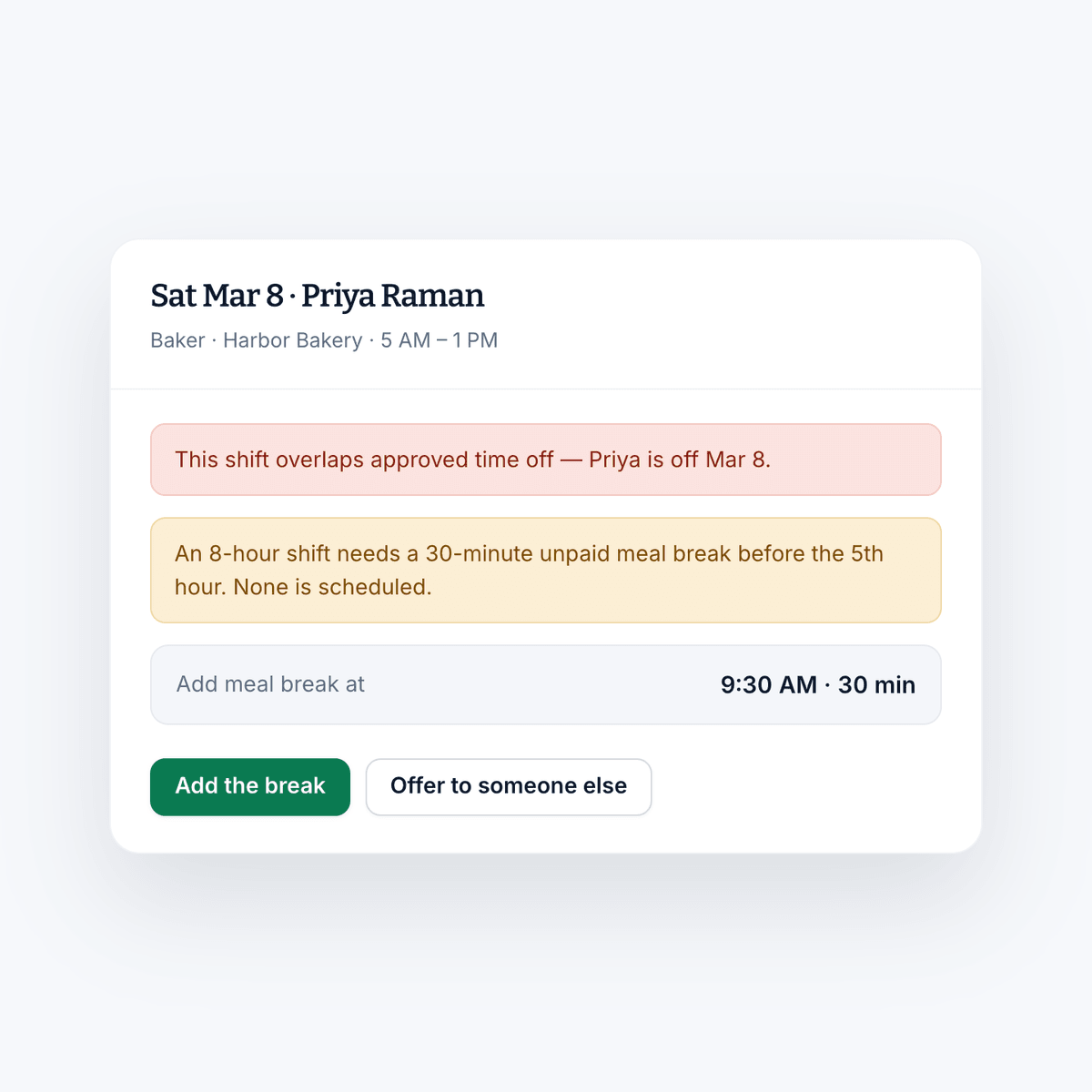
What you stop doing manually.
Break reminders
You have better things to do than walk the floor reminding everyone that they are due a break.
Break tracking
Run reports on time spent on break, the number of missed breaks, and the rest of the record you may be asked to produce.
Rules that fit your area
Set the frequency and duration of employee breaks in accordance with the labor laws where you operate.
iOS & Android
The reminder goes to their phone.
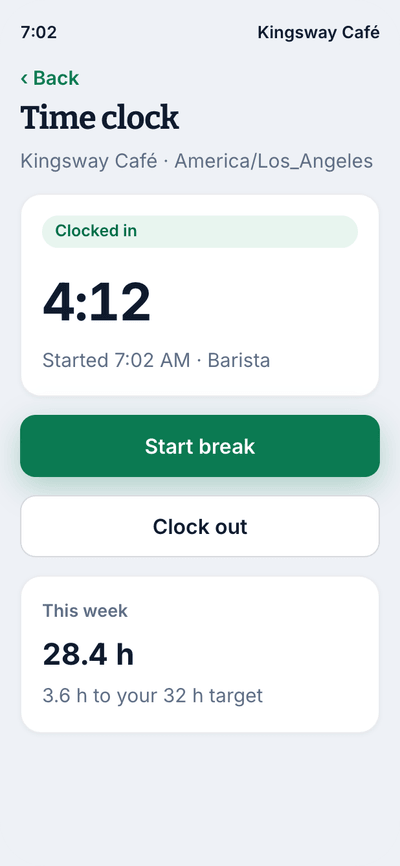
Break prompts only work if they reach the person on the floor. They arrive on the device your team is already carrying, and the acknowledgment comes back the same way.
- Alert when a break is due to start
- Reminder when the break is over
- Everyone confirms whether they took it or missed it
- Managers see the break record without asking
The rest of Shift Amp
More than break management.
Breaks sit between the schedule and the time clock, and touch both.
Labor compliance
Break and overtime rules for every state, kept current.
Learn moreEmployee scheduling
Build the week on a grid, publish it, and approve the changes your team asks for.
Learn moreEmployee time clock
Accurate clock-ins and timesheets that are ready for payroll.
Learn moreMobile time clock
Any phone becomes the time clock, with location checks at each site.
Learn moreLabor costs
See what a shift costs while you are still building it.
Learn moreTeam communication
Messages, group chats and channels next to the schedule.
Learn moreTask management
Assign the shift's work and see what actually got done.
Learn moreMulti-location scheduling
Staff several sites from one schedule and compare them side by side.
Learn moreFAQ
Employee breaks, answered.
What are employee breaks?
Paid or unpaid downtime that happens during an employee's active work shift. Depending on length and jurisdiction, they are usually split into meal breaks and shorter rest breaks.
Why do employee breaks matter?
Depending on where your business is located, employee breaks may be legally required for certain shifts. Beyond the legal side, a rested team makes fewer mistakes, which matters most in exactly the shifts where breaks are hardest to take.
How do I manage employee breaks?
Set the rules once. Tell Shift Amp how many breaks your team needs and how often, and it assigns them to shifts automatically according to those rules rather than leaving it to whoever is running the floor.
Is Shift Amp good for managing employee breaks?
Yes. It automatically assigns breaks to your team's shifts according to the rules you set, reminds everyone when to take them, and keeps the record of what was taken and what was missed.
Can I track missed breaks?
Yes. Each person can be required to acknowledge whether they took or missed a break, and you can run reports on missed breaks alongside total break time.
Can I pay a premium for a missed break?
Yes. You can allocate a premium pay rate for missed breaks, which is a requirement in some jurisdictions and a reasonable policy in others.
Do break rules vary by state?
Considerably. Meal and rest break requirements are set at state level and some cities add their own on top. Our Compliance Hub has a guide for every state if you want to check what applies to you before you set your rules.
What does it cost?
Break tracking on the time clock and break reporting are part of Pro, at $2 per billable member a month. Every new team gets 14 days of everything free, no credit card needed, and scheduling stays free for your whole team.
Pricing
All the schedule. None of the bloat.
No add-ons, no per-location fees, no surprises. Just a schedule your whole team can count on, and it's free for all of them.
Free
For any number of people.
- The schedule, with open shifts, shift swaps and coverage
- Availability and time-off requests
- Labor cost estimates as you build the week
- Messaging with photos and documents, and shift tasks
- iOS and Android apps for everyone on the team
- No credit card
Pro
Every member counts, from the first. No cap on team size.
- Everything in Free, plus:
- A time clock on phones and shared kiosks, with location checks
- Timesheets and approvals
- Payroll-ready exports
- Reports on hours, coverage, labor cost and attendance
- Paid time off balances
- A wiki for your team's how-tos
From the blog
Breaks, shifts and the rules.
Writing on break laws, shift patterns and looking after a team that works on its feet.
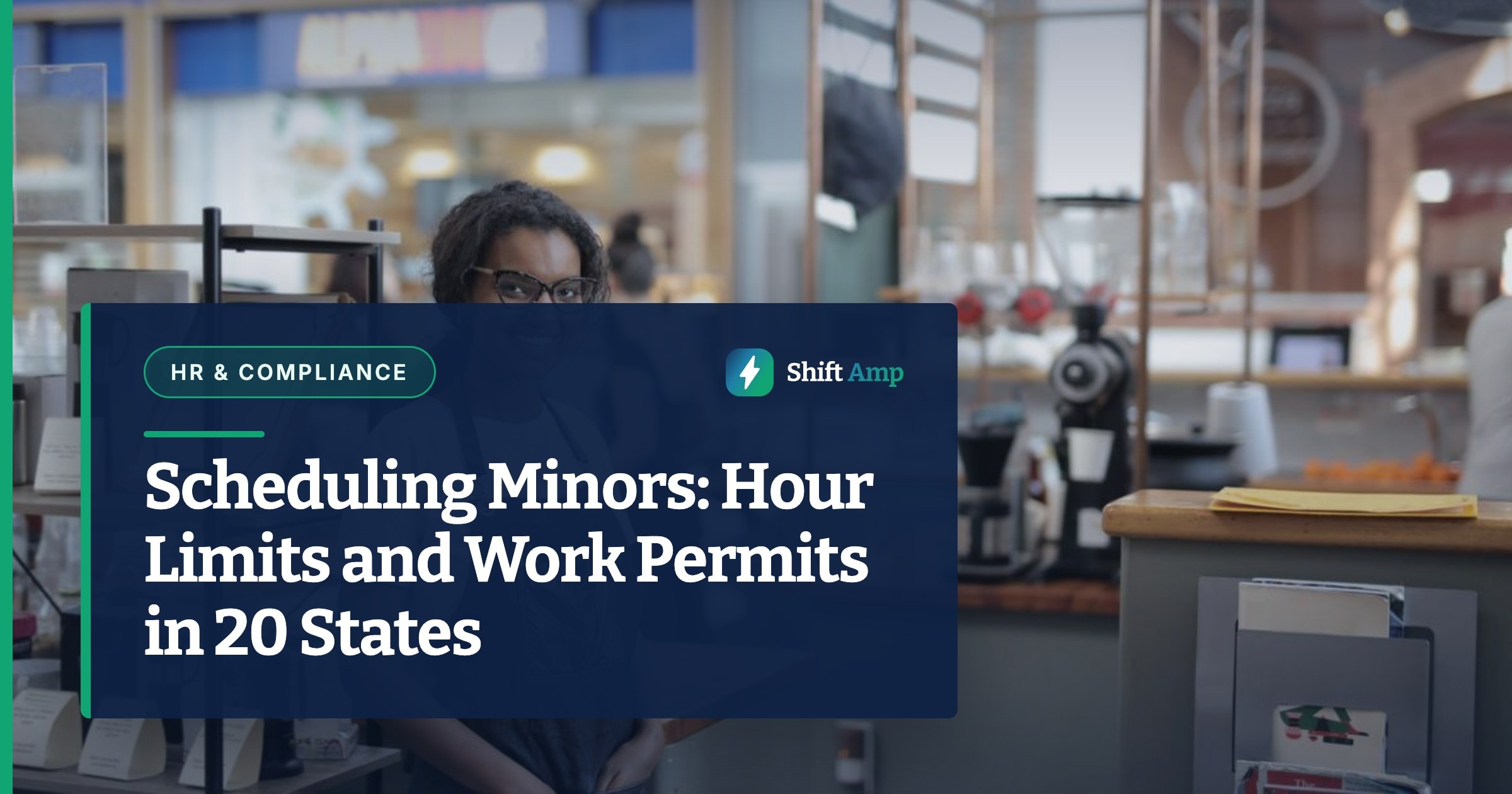
Scheduling Minors: Hour Limits and Work Permits in 20 States
Federal law caps hours only for 14 and 15 year olds, so the real limits on a teen's schedule live in state law. Here is how 20 states compare, with a worked week and the mistakes that cause violations.
October 23, 2026
Can You Change an Employee's Schedule Without Notice? What You Owe, by City
Federal law does not require notice before you change a schedule, but a growing list of cities makes late changes cost money. Here is the default rule, where it flips, and what each change costs.
October 22, 2026
Open Shift Pickup Rules: First-Come, Seniority, or Lottery
Who gets the open shift? A vendor-neutral guide to first-come, seniority and lottery pickup rules, the overtime check most policies skip, and a copy-paste policy.
October 21, 2026
Put breaks on the schedule.
Start free, set your rules once, and stop assigning breaks by hand.
Try it free for 14 days. No credit card required.