Team messaging that lives next to the schedule.
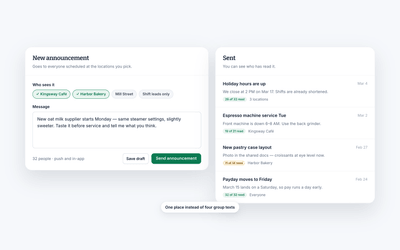
Message one person, a group or a whole location in the same app your team uses to check their shifts. Nobody has to share a personal phone number.
Free for your whole team. No credit card required.
- Private and group messaging
- Wiki pages your team confirms they've read
- Messaging free for your whole team
What you can do
Say it once, to exactly the right people.
Most workplace communication problems are routing problems. The message went to everyone, or to nobody, or to a thread that scrolled away.
Reach anyone without picking up the phone
Talk to one person or a whole department without collecting mobile numbers or starting another group text.
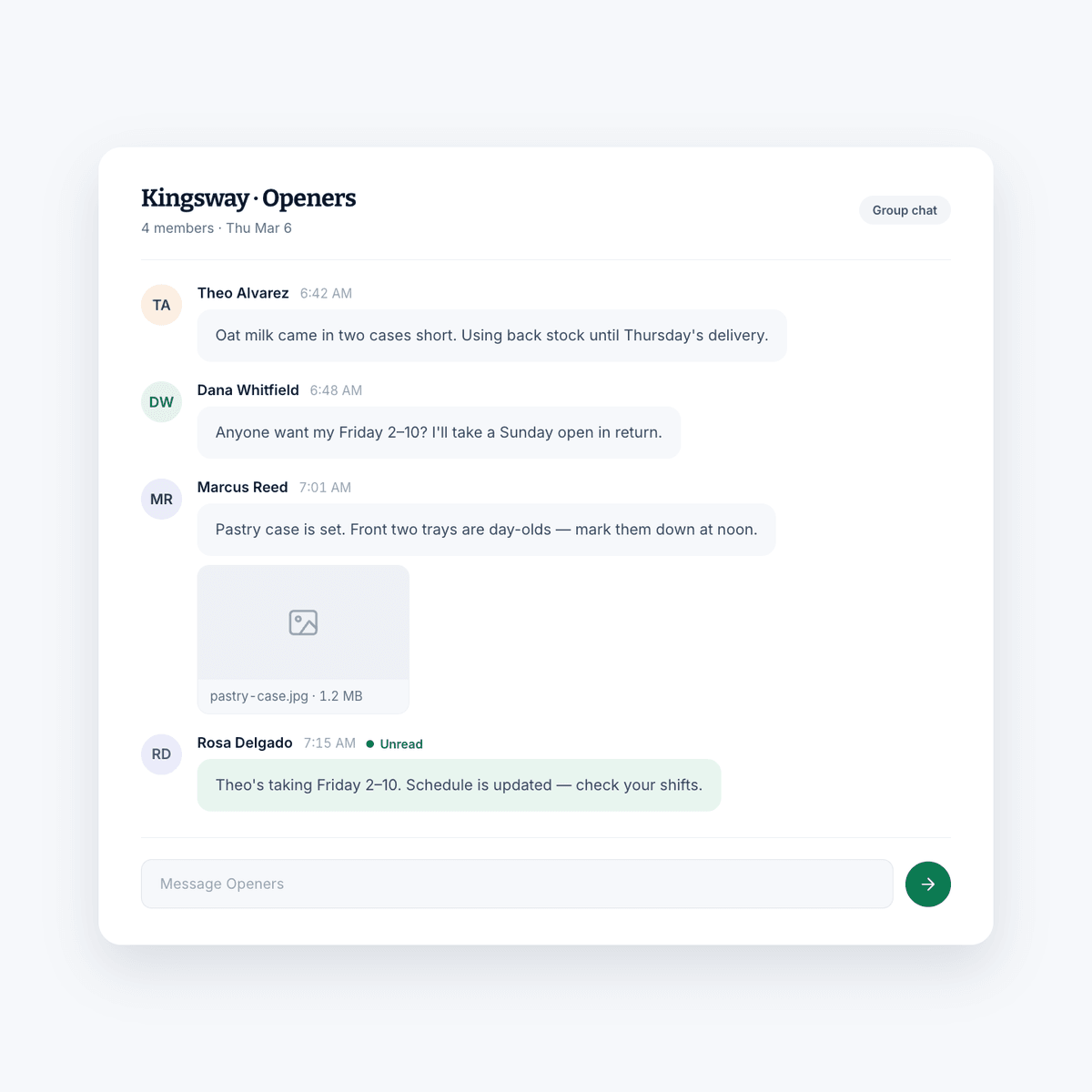
- Private and group chat with anyone on the team
- Send one message out to a group of individuals at once
- Images and emoji, because your team is made of people
- Mark a message unread to come back to it later
Why it helps
What good communication actually buys you.
Conversation from anywhere
The thread keeps going when anyone on the team is away from a station, between sites, or off the clock and picking up a shift.
A team that holds together
Communication is most of what makes a shift team feel like one. Keeping it in one place makes it a habit rather than an effort.
A team that can act
Anyone who knows what is going on can make the call themselves instead of tracking down a manager first.
Compared to
Against the group text.
Group chats are free and immediate, which is why every team tries them first. They also lose messages, mix work into personal phones, and follow people out the door.
| What you get | Shift AmpFree, or $2 per billable member for Pro | Group text or personal chat app |
|---|---|---|
| Read confirmations on wiki pages | If they scroll back | |
| Search what was said last month | ||
| Message one location or role | ||
| No personal numbers shared | ||
| Access revoked when someone leaves | ||
| Sits beside the schedule | ||
| Files and photos stay with the team | ||
| Choose who can post and who sees it |
iOS & Android
Where your team already is.
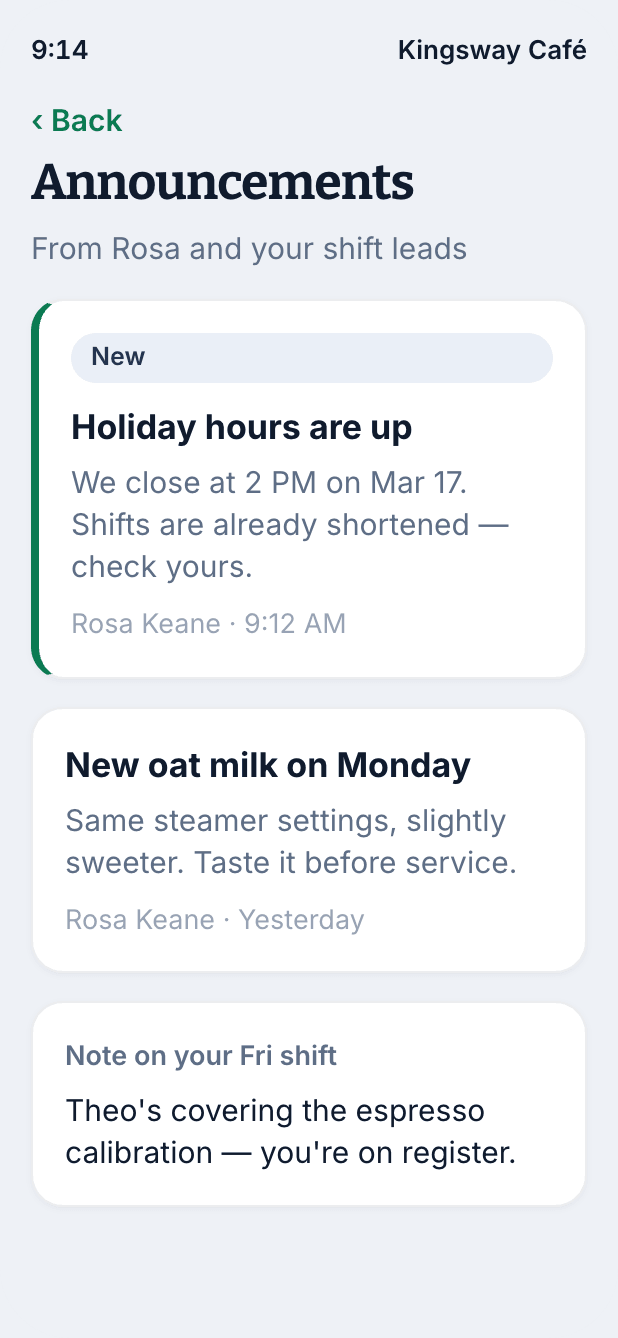
Your team is already checking shifts on a phone several times a week. Putting the conversation in the same app is the difference between a message being read and a message being sent.
- Push notifications for messages
- Read and reply between tables, rooms or calls
- One app for the schedule and the conversation about it
- Nobody has to hand out a personal number
The rest of Shift Amp
More than a messaging app.
Communication works best attached to the thing being discussed.
Employee scheduling
Build the week on a grid, publish it, and approve the changes your team asks for.
Learn moreTask management
Assign the shift's work and see what actually got done.
Learn moreEmployee time clock
Accurate clock-ins and timesheets that are ready for payroll.
Learn moreLabor costs
See what a shift costs while you are still building it.
Learn moreMulti-location scheduling
Staff several sites from one schedule and compare them side by side.
Learn moreEmployee documents
Licenses, contracts and certifications, with alerts before they expire.
Learn moreEmployee breaks
Break rules applied to shifts automatically, with reminders on the floor.
Learn moreLabor compliance
Break and overtime rules for every state, kept current.
Learn moreFAQ
Team communication, answered.
What is team communication?
It is the exchange of information between you and your team in a way that helps the business run. In a shift business that mostly means schedule changes, coverage requests, operational updates and the day-to-day back and forth that keeps a site working.
Why does employee communication matter?
An informed team is in a position to act. When your team knows what is happening, it can make decisions on the floor instead of waiting for a manager, and that shows up in how the shift runs. It is also one of the strongest inputs into whether a team stays together.
Is Shift Amp an employee messaging app?
Yes. Whether you need to reach one person, a group, a location or everyone at once, messages, channels and wiki pages are all part of the same app as the schedule.
Does my team have to share phone numbers?
No. Everyone communicates through their Shift Amp account, so your team can reach each other about work without handing out personal numbers. When someone leaves, revoke their access and they can't sign in anymore.
Can I send a message to just one location?
Yes. Messages, channels and wiki pages can all be addressed to a group, a department, a position or a specific location, so nobody is filtering out updates that were never meant for them.
How do I know an announcement was seen?
Post it as a wiki page and ask everyone to confirm they've read it. You'll see who has and who hasn't.
Can we use it for more than operations?
Plenty of teams do. Channels work just as well for shift-swap requests and policy updates as they do for photos from a busy Saturday. It is the same space your team already visits to check their hours.
What does it cost?
Messaging and scheduling are free for your whole team, at any size, with no credit card. Pro adds wiki pages, the time clock, timesheets and reports for $2 per billable member a month, and every new team starts with 14 days of everything free.
Pricing
All the schedule. None of the bloat.
No add-ons, no per-location fees, no surprises. Just a schedule your whole team can count on, and it's free for all of them.
Free
For any number of people.
- The schedule, with open shifts, shift swaps and coverage
- Availability and time-off requests
- Labor cost estimates as you build the week
- Messaging with photos and documents, and shift tasks
- iOS and Android apps for everyone on the team
- No credit card
Pro
Every member counts, from the first. No cap on team size.
- Everything in Free, plus:
- A time clock on phones and shared kiosks, with location checks
- Timesheets and approvals
- Payroll-ready exports
- Reports on hours, coverage, labor cost and attendance
- Paid time off balances
- A wiki for your team's how-tos
From the blog
Communicating with a shift team.
Practical writing on keeping a distributed, part-time, always-moving team informed.

Scheduling Minors: Hour Limits and Work Permits in 20 States
Federal law caps hours only for 14 and 15 year olds, so the real limits on a teen's schedule live in state law. Here is how 20 states compare, with a worked week and the mistakes that cause violations.
October 23, 2026
Can You Change an Employee's Schedule Without Notice? What You Owe, by City
Federal law does not require notice before you change a schedule, but a growing list of cities makes late changes cost money. Here is the default rule, where it flips, and what each change costs.
October 22, 2026
Open Shift Pickup Rules: First-Come, Seniority, or Lottery
Who gets the open shift? A vendor-neutral guide to first-come, seniority and lottery pickup rules, the overtime check most policies skip, and a copy-paste policy.
October 21, 2026
Get everyone on the same page.
Start free and move the group chat somewhere it can actually be found.
Free for your whole team. No credit card required.