Set messaging rules
In Settings, owners and operations administrators can turn messaging off for everyone, or limit who employees can start conversations with.
Owners and operations administrators decide whether your organization uses messaging at all, and who employees can start conversations with. Location managers and assistant managers can see these settings but can't change them. Who can create channels depends on role, not on a setting.
Turn messaging off or on
- Open the account menu at the bottom of the left menu (your name), select Settings, then select Messaging.
- Turn the Messaging switch off, or on.
- Select Save policy.
- If you're turning messaging off, select Turn messaging off to confirm.
While messaging is off, Messages on the web says "Messaging is off", and the Messages tab disappears from your team's phones. Nobody can send messages, and message notifications stop.
Choose who employees can message
- Open the account menu at the bottom of the left menu (your name), select Settings, then select Messaging.
- Under Employees can start a conversation with, choose:
- Anyone in the organization: anyone on the team, at any location. This is the default.
- People at their own locations: people they share a location with.
- Managers only: managers, but not other employees.
- Select Save policy. If you've narrowed the choice, select Save policy again to confirm.
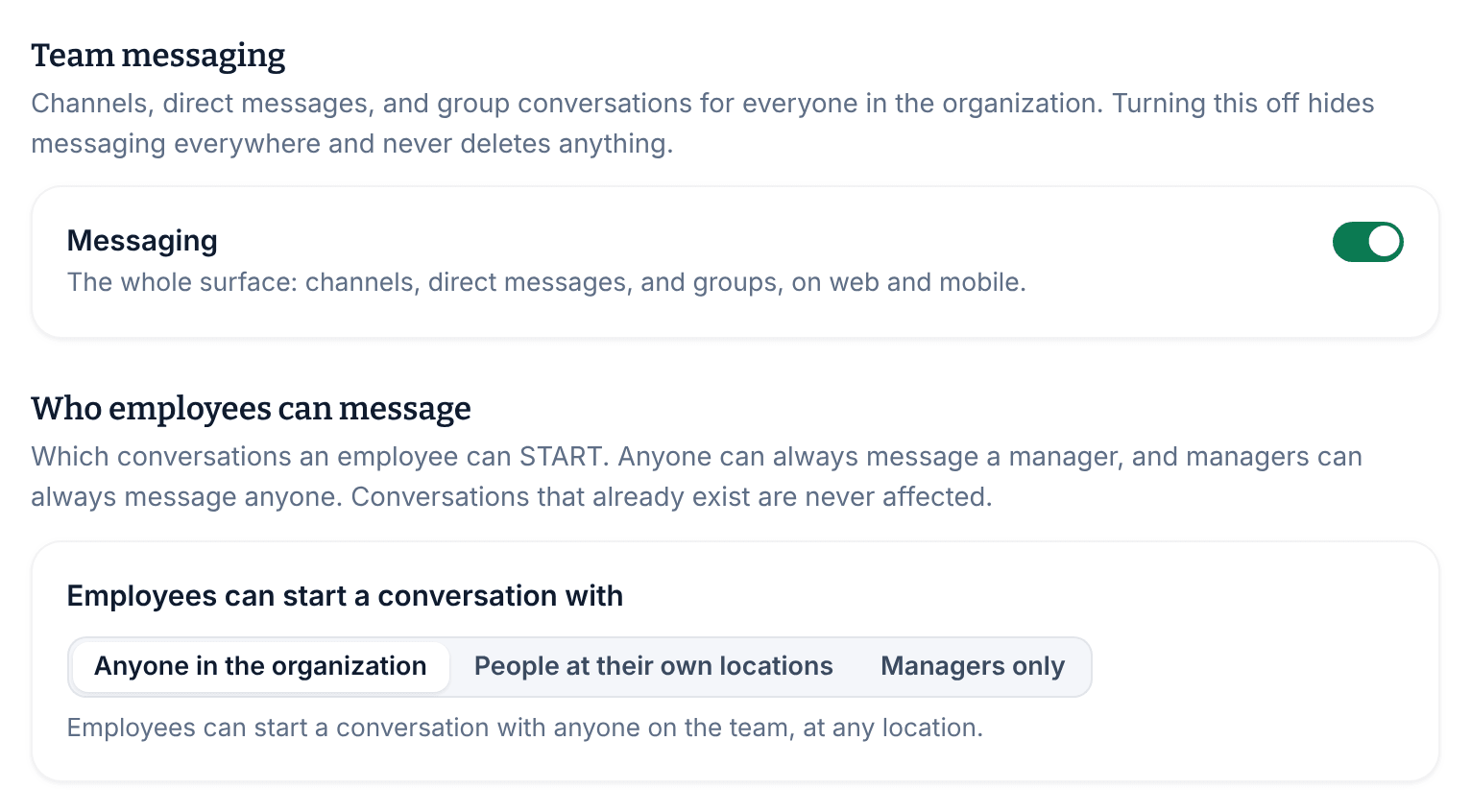
Whatever you choose, employees can always message a manager, and managers can message anyone. The rule only covers new direct messages and groups: conversations that already exist keep working, and channels aren't affected.
Who can create channels and groups
- Channels: owners and operations administrators can create a channel for any audience. Location managers can create channels for the locations they manage. Assistant managers and employees can't. See Create a channel.
- Direct messages and groups: every manager can start them on the web, with anyone who has joined. Employees start them in the app, within the rule above.
Rules that aren't settings
The Messaging page also lists how messaging always works:
- Read receipts are never shown. Nobody can see whether someone else has read a message.
- Removed messages leave a "Message removed" marker, so a conversation is never silently rewritten.
- Channels are archived, never deleted.
Was this article helpful?