Close your organization
The owner requests deletion in Settings under Access & privacy. Shift Amp confirms by email before removing anything, and you can cancel until then.
To close your organization, an organization owner files a deletion request in Settings. Shift Amp confirms it with the owner by email before anything is removed, and you can cancel the request until then. Only owners can request or cancel a deletion.
Before you request deletion
Download anything you want to keep, such as:
- timesheets: see Export timesheets;
- approved time for payroll: see Create a payroll export;
- your roster: see Find people and export your roster.
Request deletion
- Open the account menu at the bottom of the left menu (your name), then select Settings.
- Select Access & privacy.
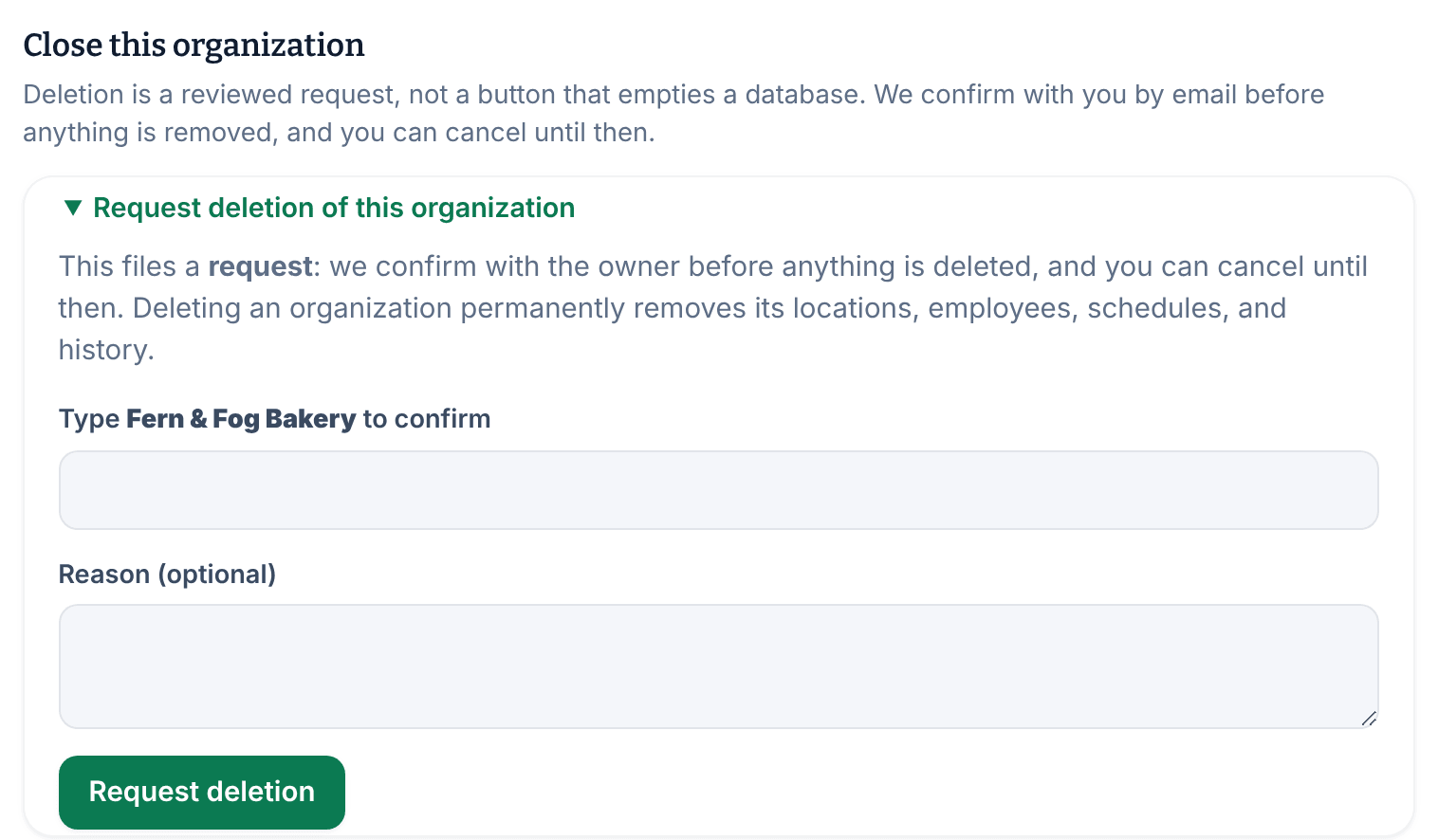
- Under Close this organization, select Request deletion of this organization.
- In the box, type your organization's name exactly as it's shown above it.
- If you like, add a Reason (optional).
- Select Request deletion.
The section now shows that a deletion request has been pending since today, and that Shift Amp will confirm with the owner before anything is removed. If the name you typed doesn't match exactly, you're asked to type it again.
Filing the request doesn't delete or switch off anything, and your team isn't notified.
Cancel the request
- In Settings, select Access & privacy.
- Under Close this organization, select Cancel request.
The request is withdrawn, and everything stays as it is.
If your organization has been disabled
If Shift Amp has disabled your organization, every page is replaced by a message saying the organization is currently disabled. Schedules and history are kept, but nothing can be changed. Owners can still request deletion there: select Request deletion of this organization and follow steps 4–6. If a request is already pending, Cancel request is there too. The page also tells owners how to reach support if the change was unexpected.
Close only your own account
To stop using Shift Amp yourself, close your account instead. You can't close it while you own an organization: hand ownership to someone else, or close the organization, first. See Close your account and Change someone's role.
Was this article helpful?