Join your team on Shift Amp
Open the invitation email, create your account with the address it was sent to, and join. Then get the app to see your shifts.
When your manager adds you to Shift Amp, you get an invitation by email. Accepting it creates your Shift Amp account and connects it to your workplace's schedule. Use the email address the invitation was sent to: your account has to match it. The invitation works once and lasts 7 days.
Accept the invitation
- Open the email "Fern & Fog Bakery invited you to Shift Amp" (with your workplace's name) and select Accept invitation. The invitation opens in your browser, on your phone or a computer.
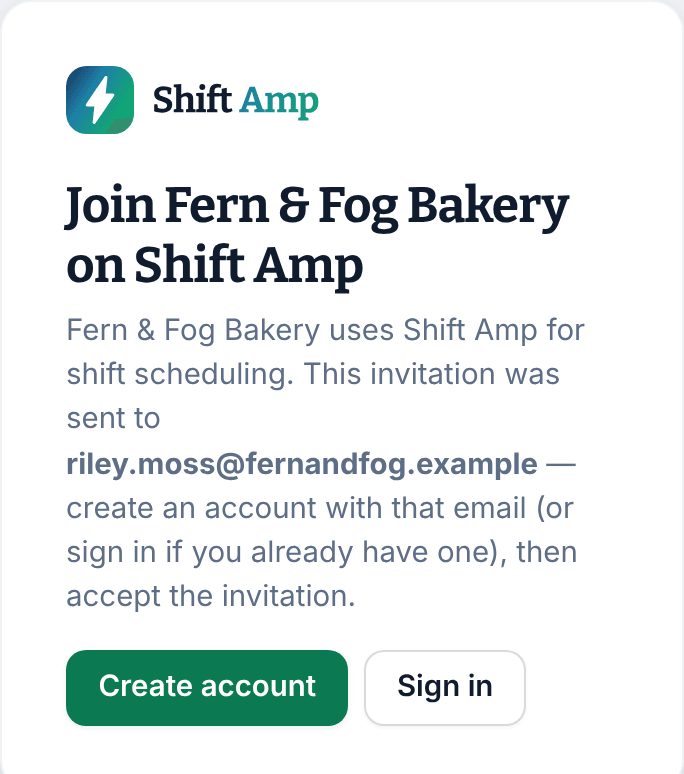
- Select Create account. If you already have a Shift Amp account with that address, select Sign in instead, sign in, and go to step 5.
- Your email address is already filled in. Keep it. Enter your First name, Last name and a Password. The password needs at least 8 characters, with a lowercase letter, an uppercase letter, a number and a symbol.
- Select Create account. You're back on the invitation, signed in.
- Select Join Fern & Fog Bakery. The button shows your workplace's name.
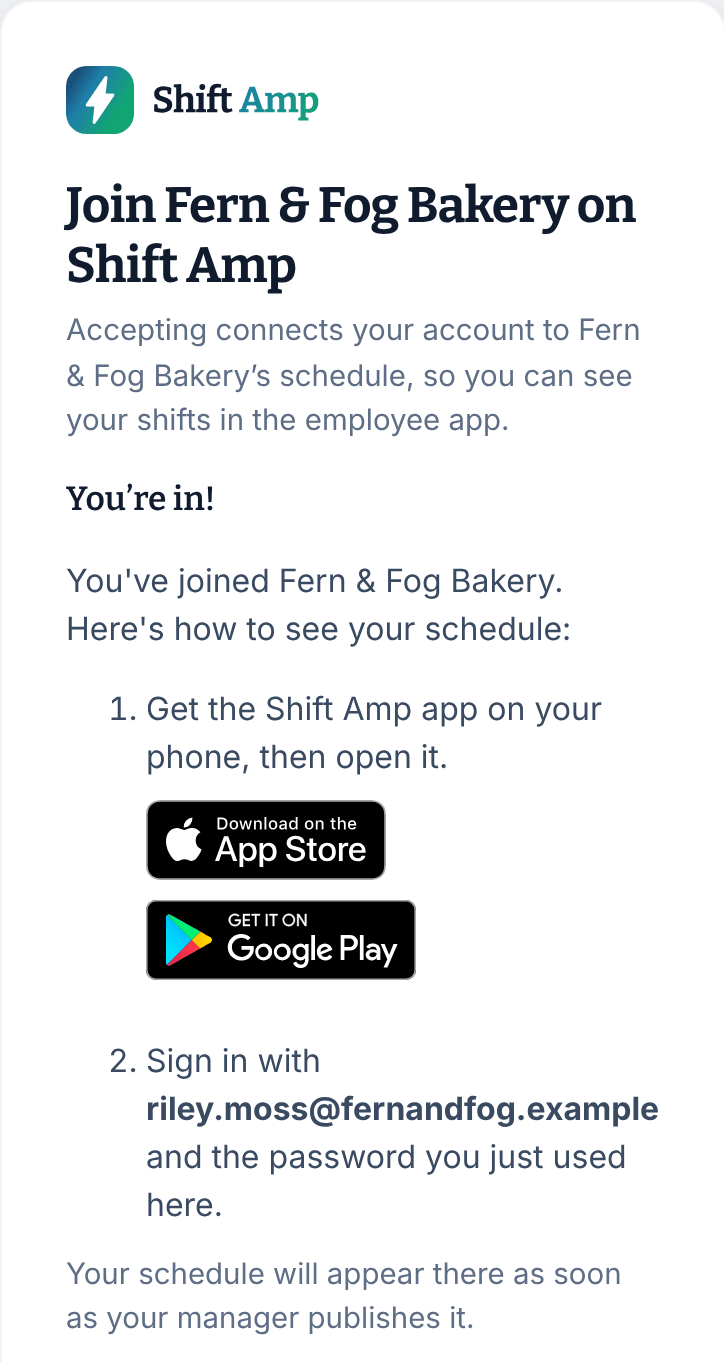
The page says "You’re in!" Your account is ready, and nobody needs to approve it.
Next: get the app
The page tells you how to get the Shift Amp app on your phone. Sign in there with the same email and password. Your shifts appear in the app once your manager publishes the schedule. See Get the app and sign in.
If you'd rather use Google
Instead of choosing a password in step 3, you can select Continue with Google, as long as your Google account uses the invited address. The phone app signs in with a password only, so set one there: on the app's sign-in screen, select Forgot your password?. See Reset your password.
If the invitation doesn't work
- "This invitation has expired": invitations last 7 days. Ask your manager to send a new one.
- "This invitation link isn’t valid": the link is incomplete, or your manager sent a newer one. Use the most recent invitation email.
- "This invitation is no longer active": the invitation was withdrawn. Ask your manager.
- "This invitation was already used": if you accepted it, you're all set. Get the app and sign in.
- If you're signed in with a different address, the page says so. Select Sign out and switch account, then sign in or create an account with the invited address.
- If Shift Amp asks you to "Tell us about your business", you have an account but haven't joined yet. Don't fill it in. Open the invitation email again, select Accept invitation, and finish with step 5.
Was this article helpful?